
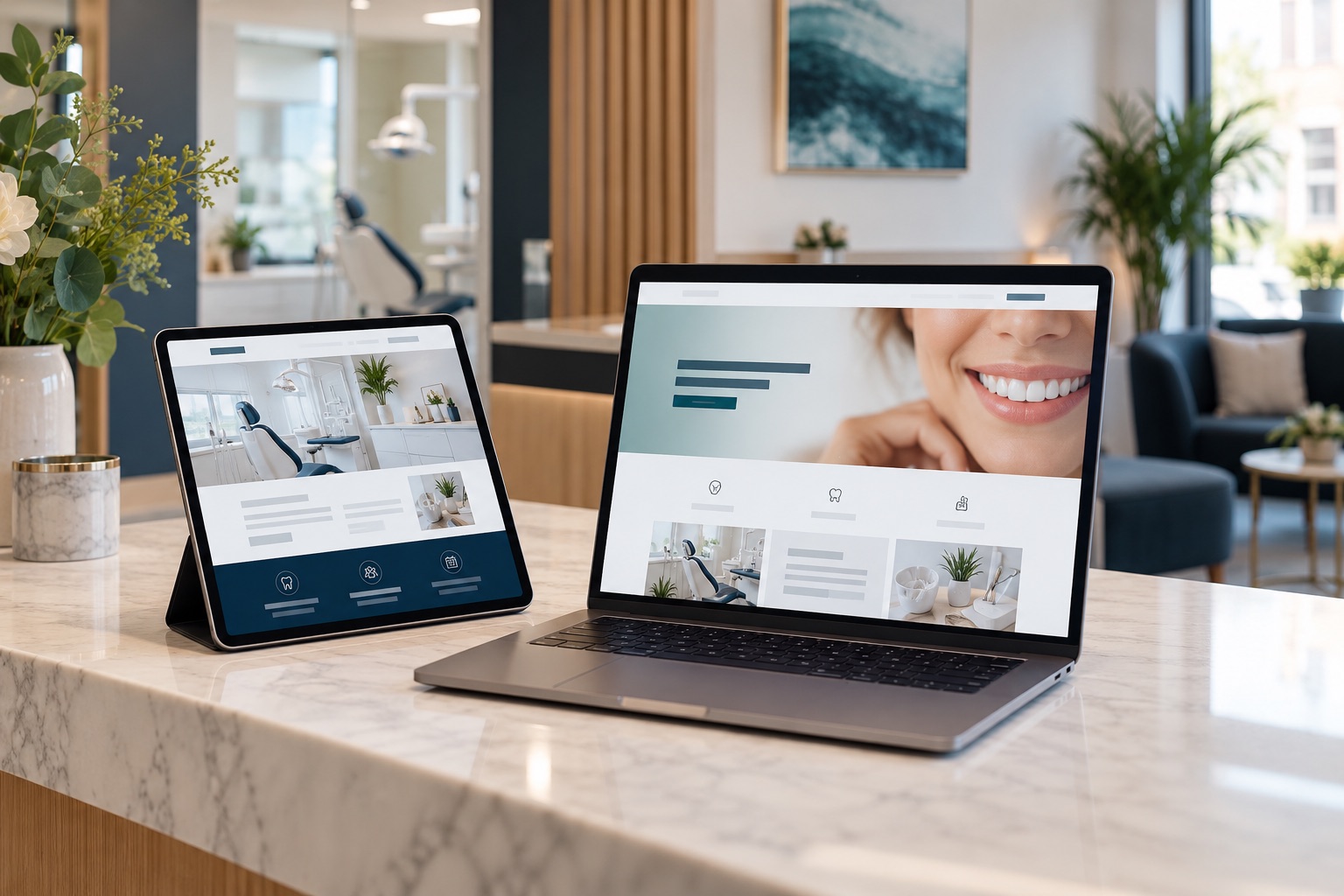
Match the promise of the advert
A treatment landing page is the next part of the conversation started by an advert. Visitors should immediately recognise the service they expected and understand which practice provides it. If the advert discusses consultations for a particular concern, the page should open with that subject rather than a broad introduction to every service. Keep important wording consistent without copying the entire advert. The opening needs to answer a simple question: am I in the right place? Use a clear heading, a relevant image, and a concise explanation. A visually impressive page can still disappoint if visitors must search for the information that persuaded them to click.
Explain the first appointment
Someone considering treatment may need to understand the initial appointment before they are ready to ask about a treatment plan. Describe what the practice can accurately say about that first step. Explain how an enquiry is handled, who will contact the person, and whether an appointment is arranged through a conversation with reception. Clinical assessment should remain distinct from an administrative enquiry. Avoid suggesting that completing a form establishes suitability. Where the practice provides introductory appointment information, ensure the team has checked it. A realistic account of the process can be more reassuring than a page filled with promotional language and a contact button whose consequences are unclear.
Give practical information space
Location, contact details, opening arrangements, and appointment information deserve clear placement. Visitors may be comparing practices while travelling, taking a short break, or using a phone with one hand. They should not have to decode a decorative layout to find the number. Explain relevant access information accurately and make directions easy to reach. If indicative pricing is included, provide the necessary context in readable text close to the figure. Do not hide important conditions in distant sections. The page should help someone decide whether an enquiry is sensible for their circumstances, while leaving individual clinical questions to the appropriate conversation with the practice.
Use evidence the practice can explain
Photography of the actual practice and its team can help visitors understand the environment they may visit. Check that images are appropriate to publish and reflect the current service. Describe qualifications and experience accurately, with wording reviewed by the practice. Avoid vague badges, unsupported rankings, or statistics whose source nobody can explain. Patient stories need thoughtful handling and should not imply that everyone can expect the same experience. Where evidence is limited, provide useful process information instead of inventing proof. Trust develops when the page is coherent, specific, and believable, rather than when it accumulates as many promotional elements as possible in a small space.
Keep the form proportionate
Ask for the information needed to respond to the enquiry, and explain what happens after submission. A lengthy form can feel like an obligation before the visitor has spoken to anyone. Review every field with the reception team. Identify which details are necessary at this stage and which belong in a later, appropriate process. Make labels understandable and error messages helpful. The confirmation should tell the visitor that the message has been received and explain the expected next step accurately. Test the destination inbox or system as well as the visible form. A polished confirmation screen is little help if the team never receives the enquiry.
Build for the smaller screen
Review the page on a real mobile phone, not only a desktop preview. Check that text remains readable, buttons are easy to select, and the main heading fits naturally. Images should support the content without pushing every useful detail far down the page. Watch for sticky elements that obscure the form or overlap the telephone number. Open and close any menus, expand questions, and complete the enquiry route. A compact design still needs breathing room between controls and paragraphs. The objective is efficient reading, rather than squeezing the largest possible amount of information into the first screen or requiring visitors to scroll through decorative gaps.
Check the complete handover
Ask someone outside the project to follow the journey from advert to enquiry. They should understand the service, identify the practice, find practical details, and explain what they expect to happen next. Compare their expectation with reception's actual process. If those differ, improve the wording or the process before increasing traffic. Share a copy of the page with the people answering calls so they know the offer and terminology. Establish who handles messages when the usual contact is unavailable. A page does not work in isolation: its usefulness depends partly on whether the next conversation feels consistent with everything the visitor has just read.
Maintain one dependable version
Give the landing page a clear owner and keep approved details in one accessible place. When a price, clinician, contact route, or appointment arrangement changes, check the related adverts and response scripts too. Avoid maintaining several near identical pages without knowing which campaigns use them. Record the purpose of each version and remove confusing duplication through a planned review. Before launch, confirm that measurement is recording the actions the practice actually wants to understand. The page is ready when it provides accurate information, works comfortably on mobile, and hands enquiries to a prepared team. Advertising can then direct people towards a coherent experience with a useful and understandable next step.
Keep a copy of the approved launch version so later amendments can be understood. When someone reports confusion, compare the wording they encountered with the current page before drawing conclusions. This is particularly useful when several campaigns share a destination. A simple change record can prevent the team from debating different versions of the same information without realising why their experiences differ.
Check that important conditions remain visible on smaller screens. Ask reception to describe the page in their own words. Resolve discrepancies before sending visitors into the journey. A short launch checklist helps the whole team share responsibility. Treat clarity as a design requirement.